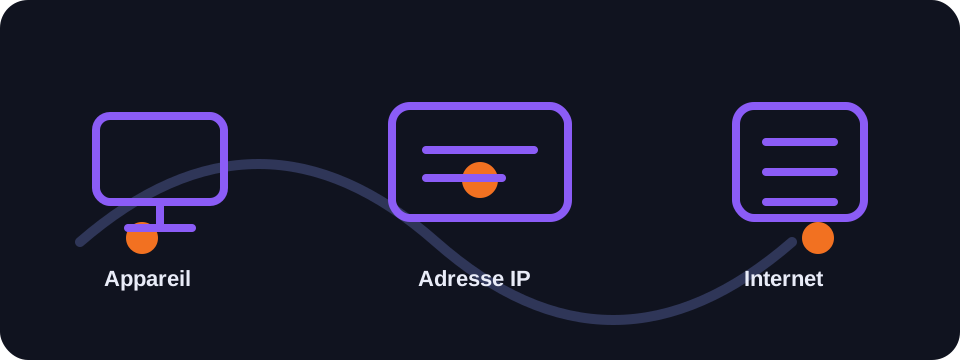
An IP address is the identifier that allows a device or network to send and receive data on the Internet. It is essential for browsing a site, using an application, sending an email or watching an online video.
Key takeaways
- Your public IP is the address visible to the sites you visit.
- Your private IP is only used to identify your devices on your local network.
- An IP can indicate a country, an approximate city, an ISP and sometimes an ASN.
- It generally does not reveal your exact postal address.
Understanding your IP address
Your IP address, short for Internet Protocol, works like a digital return address. When you open a web page, your device sends a request to a server. The server needs to know where to send the response: that is the role of the IP address. Without it, data packets could not travel correctly between your connection and the services you use.
In practice, the IP address visible on the Internet is often that of your router, your mobile operator or your VPN. Sites therefore do not necessarily see your computer's address directly, but the public address used by your connection to access the Internet.
Public IP and private IP
The public IP is assigned by your Internet service provider. It is visible from outside and allows your network to be reachable on the Internet. The private IP is used inside your local network. Your phone, computer, printer or connected television can each have a different private address.
The most common private addresses start with 192.168.x.x, 10.x.x.x or 172.16.x.x to 172.31.x.x. They are not directly routable on the Internet. Your router uses NAT to allow multiple private devices to communicate with a single public IP address.
How do I find my IP?
The simplest method is to use a tool like Ipzy, which automatically detects the public address visible to online services. You can also check your device's network settings to see its local address, but this does not always correspond to the public address seen by websites.
It is useful to compare the two: the public IP helps you understand your exposure on the Internet, while the private IP is mainly used for network troubleshooting in your home or business.
Does my IP change?
Most residential connections use a dynamic address. It can change after a router restart, a reconnection or a period defined by the operator. Businesses can pay for a static address, which is useful for hosting services, configuring a whitelist or remotely accessing internal resources.
If you enable a VPN, the address visible to sites becomes that of the VPN server. This is one of the reasons VPNs are used to limit direct exposure of the address provided by the ISP.
Conclusion
Your IP address is a central element of your Internet connection. It does not reveal everything about you, but it can disclose useful technical information such as your operator, your country, your approximate city or your type of network.
How to use this guide in practice
To use this guide on IP address reliably, start by checking the context of your connection: home network, mobile network, company network, VPN, proxy or server. The same result can mean different things depending on the exit point being used. IP information should therefore be read together with other clues, such as provider, ASN, country, address type and DNS settings.
Avoid jumping to conclusions. Many network data points are approximate, shared or dependent on a third-party provider. If you are troubleshooting, note the test time, network used, VPN state and browser involved. These details make comparisons more useful and help separate a real issue from a normal routing effect.
FAQ
Does an IP address identify a person?
Not directly. It mainly identifies a connection or network at a given point in time. Linking an IP to a person generally requires information held by the operator.
Why is my displayed IP not my device's IP?
Because your device often uses a private IP behind a router. Sites see the public IP shared by your network.
Does a VPN change my IP address?
Yes. Sites see the VPN server's address instead of the public address provided by your ISP.