A public IP identifies your network on the Internet, while a private IP identifies a device inside your local network. This difference explains why the address displayed by a website is not always the one visible in your computer's network settings.
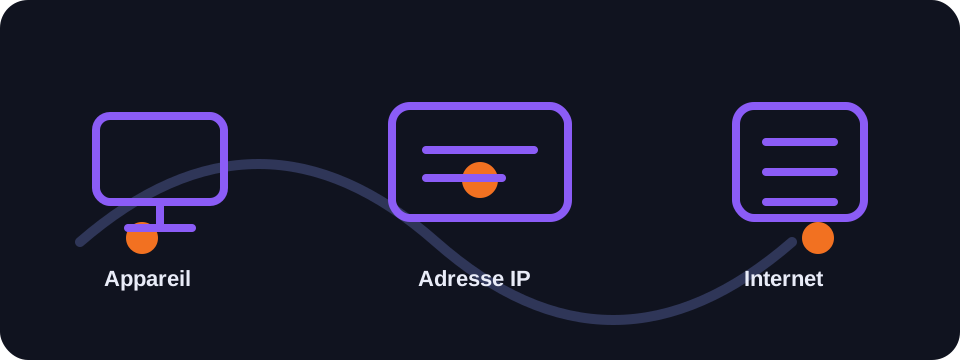
Key takeaways
- The public IP is visible to websites and online services.
- The private IP stays within your local network.
- NAT allows multiple devices to share a single public IP.
- Private addresses are not routed directly on the Internet.
The public IP explained
The public IP address is assigned by your Internet service provider. It serves to identify your connection to remote servers. When you visit a website, it receives a request coming from this address.
Depending on your operator, this IP can be fixed or dynamic. It may also be shared with other customers in certain cases, in particular with CGNAT used by mobile operators or certain ISPs.
The private IP and the local network
Your router assigns a private IP to each connected device: computer, smartphone, console, printer, camera or smart TV. These addresses allow devices to communicate locally without being directly exposed on the Internet.
The best-known private ranges are 192.168.0.0/16, 10.0.0.0/8 and 172.16.0.0/12. If you see an address of this type in your settings, it is probably your local address.
The role of NAT
NAT translates private addresses into a common public address. Your router keeps a correspondence table to know which device requested which resource, then sends the response back to the correct device.
This system saves IPv4 addresses and adds a useful separation between the Internet and your local network, but it can complicate hosting services at home or certain online games.
Conclusion
Understanding the difference between public and private IP helps to diagnose network problems and correctly interpret the results of an IP lookup tool.
How to use this guide in practice
To use this guide on public and private IP reliably, start by checking the context of your connection: home network, mobile network, company network, VPN, proxy or server. The same result can mean different things depending on the exit point being used. IP information should therefore be read together with other clues, such as provider, ASN, country, address type and DNS settings.
Avoid jumping to conclusions. Many network data points are approximate, shared or dependent on a third-party provider. If you are troubleshooting, note the test time, network used, VPN state and browser involved. These details make comparisons more useful and help separate a real issue from a normal routing effect.
Quick checklist
- Compare the public and private IP result on two different networks if possible.
- Run the test again after enabling or disabling a VPN, proxy or private DNS.
- Note whether the address is residential, mobile, business, hosted or shared.
- Do not treat an IP address as proof of identity without technical and legal context.
This checklist turns an isolated lookup into a reproducible diagnosis. It is especially useful when two tools show different results or when a service blocks a connection without explaining the reason clearly.
Limits to keep in mind
Results can change over time because of dynamic address assignment, operator routing changes, IP database updates or the use of an intermediary service. A single test is a snapshot of the moment, not a permanent truth.
FAQ
Why do my phone and computer have the same public IP?
If they use the same Wi-Fi, they probably share the router's public address.
Is a private IP visible to websites?
No, websites generally see the public address used by your network.
Can you change your private IP?
Yes, it can change automatically via DHCP or be configured manually.