An IP address can give a geographic indication, but it generally does not reveal a person's exact address. Accuracy depends on the access provider, the network used and the databases consulted.
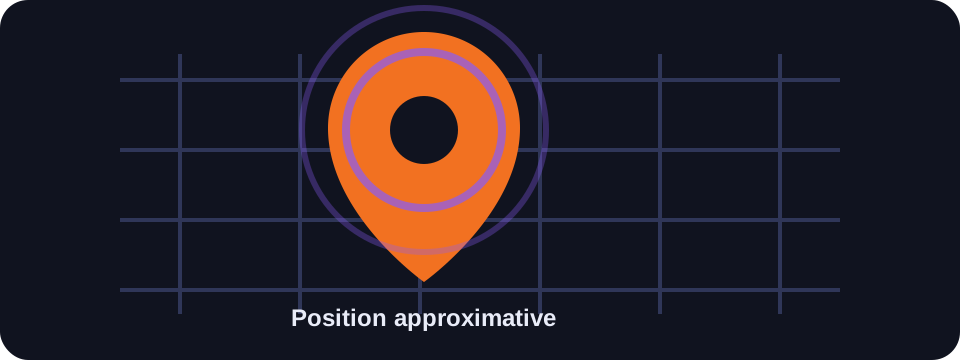
Key takeaways
- An IP often indicates a country or approximate city.
- It does not give your exact postal address.
- Mobile networks, VPNs and proxies reduce accuracy further.
- Precise location requires other signals, such as GPS or Wi-Fi.
What your IP actually reveals
An IP address can reveal the access provider, the organisation that owns the network, the country and sometimes a city associated with the connection. This information is useful for security, content personalisation or network diagnostics.
But an IP does not contain your name, your street or your building number. It points to a connection or a network infrastructure, not directly to a person.
Why accuracy is limited
Geolocation databases associate an IP range with an estimated area. If your operator consolidates traffic in a neighbouring city, the displayed location may correspond to that network point rather than your real position.
On mobile, the IP can change frequently and be associated with a broad area. With a VPN, the location corresponds to the VPN server. With a proxy, it corresponds to the intermediate server.
What can reveal a more precise location
The phone's GPS location, nearby Wi-Fi networks, browser permissions, installed applications and connected accounts can provide a much more precise position than a simple IP. That is why it is important to control your location permissions.
A website cannot obtain your precise GPS position without explicit browser permission, but some mobile applications have broader permissions if you accept them.
Conclusion
Your IP gives a useful indication, but not an exact position. To protect your privacy, monitor both your location permissions and your IP address.
How to use this guide in practice
To use this guide on exact location reliably, start by checking the context of your connection: home network, mobile network, company network, VPN, proxy or server. The same result can mean different things depending on the exit point being used. IP information should therefore be read together with other clues, such as provider, ASN, country, address type and DNS settings.
Avoid jumping to conclusions. Many network data points are approximate, shared or dependent on a third-party provider. If you are troubleshooting, note the test time, network used, VPN state and browser involved. These details make comparisons more useful and help separate a real issue from a normal routing effect.
Quick checklist
- Compare the IP location result on two different networks if possible.
- Run the test again after enabling or disabling a VPN, proxy or private DNS.
- Note whether the address is residential, mobile, business, hosted or shared.
- Do not treat an IP address as proof of identity without technical and legal context.
This checklist turns an isolated lookup into a reproducible diagnosis. It is especially useful when two tools show different results or when a service blocks a connection without explaining the reason clearly.
Limits to keep in mind
Results can change over time because of dynamic address assignment, operator routing changes, IP database updates or the use of an intermediary service. A single test is a snapshot of the moment, not a permanent truth.
FAQ
Can someone find my home address with my IP?
In most cases, no. Only the operator can link an IP to a subscriber, and this is done within a specific legal framework.
Why does a site display a different city?
The GeoIP database may associate your IP with a network point of your access provider, not your real position.
Does a VPN prevent exact location?
It masks the IP, but it does not necessarily block GPS, cookies or location permissions.